 Saucier
Your own recipe book in the browser and on your phone
Saucier keeps your book the same on every device you use.
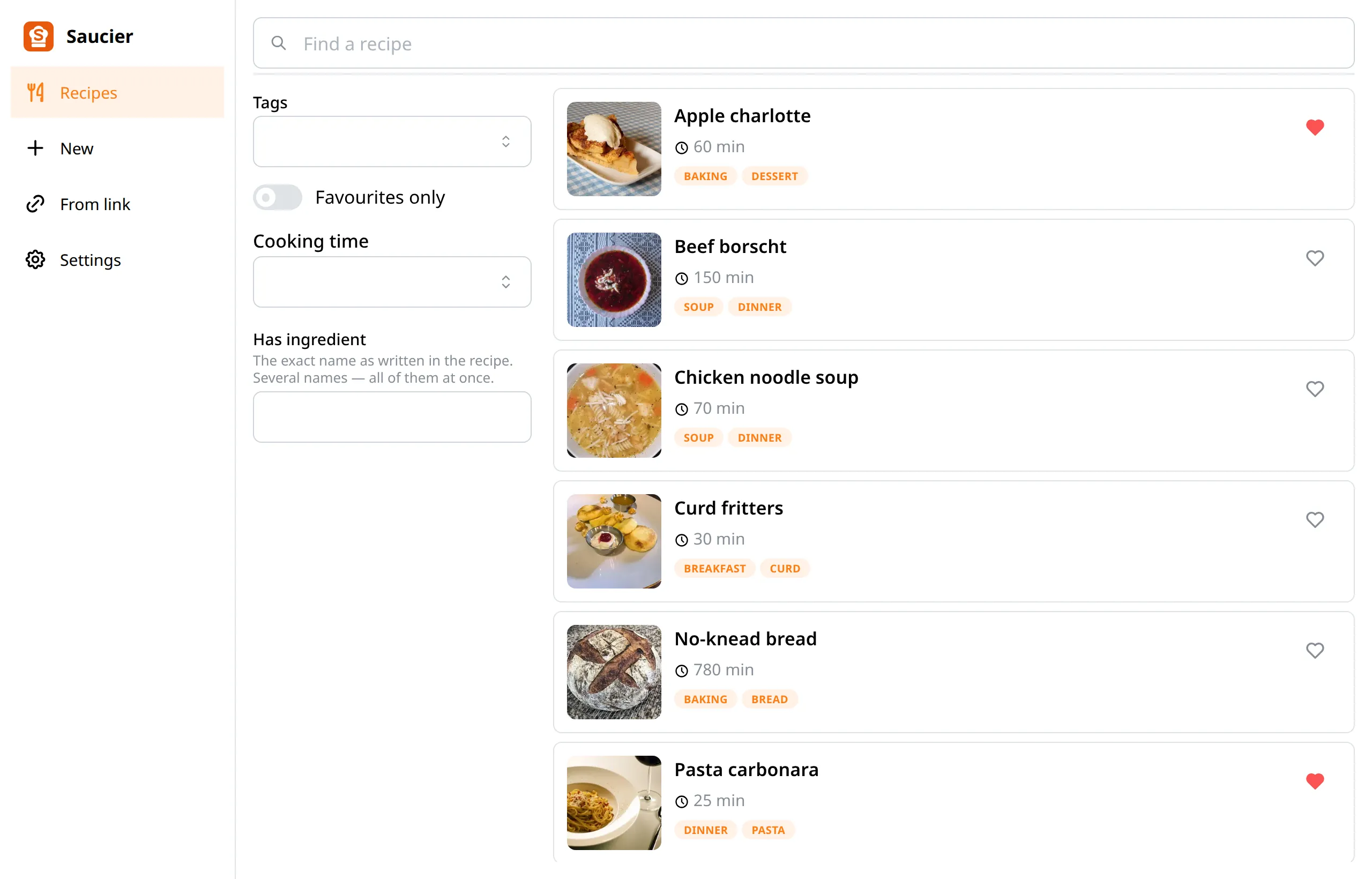
One book across every device
A recipe added in the browser appears on your phone, and a recipe fixed on the phone shows up in the browser. Syncing happens by itself: there is no “upload” button and no question about which copy of the book is the real one.
- Edits are never lost. A change uploads on its own; nothing has to be done about it.
- Edit recipes wherever it suits you. You can add a recipe on your phone, then change it in the browser, and the other way round — the changes upload to all of your devices.
- Deleted stays deleted. A deletion is a change like any other, and it uploads to all your devices.
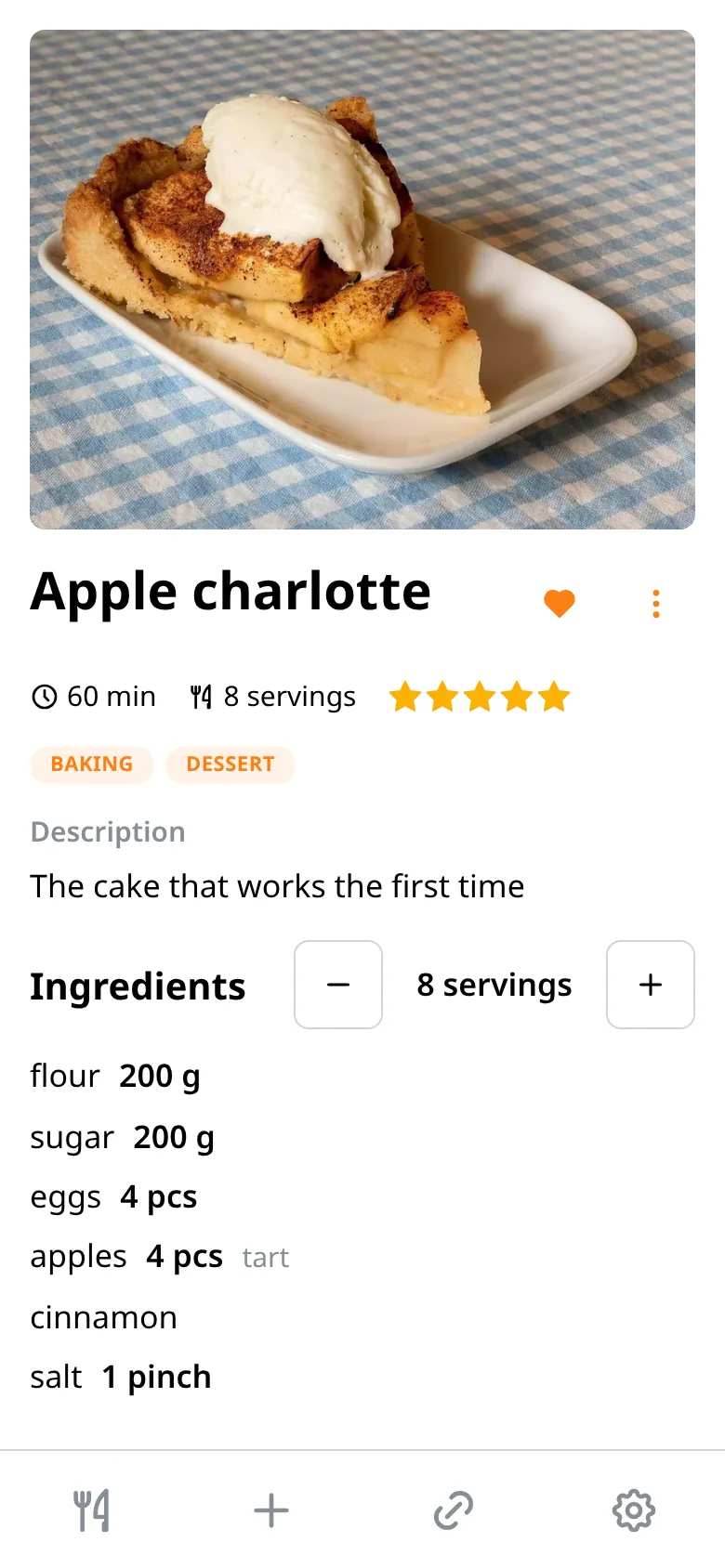
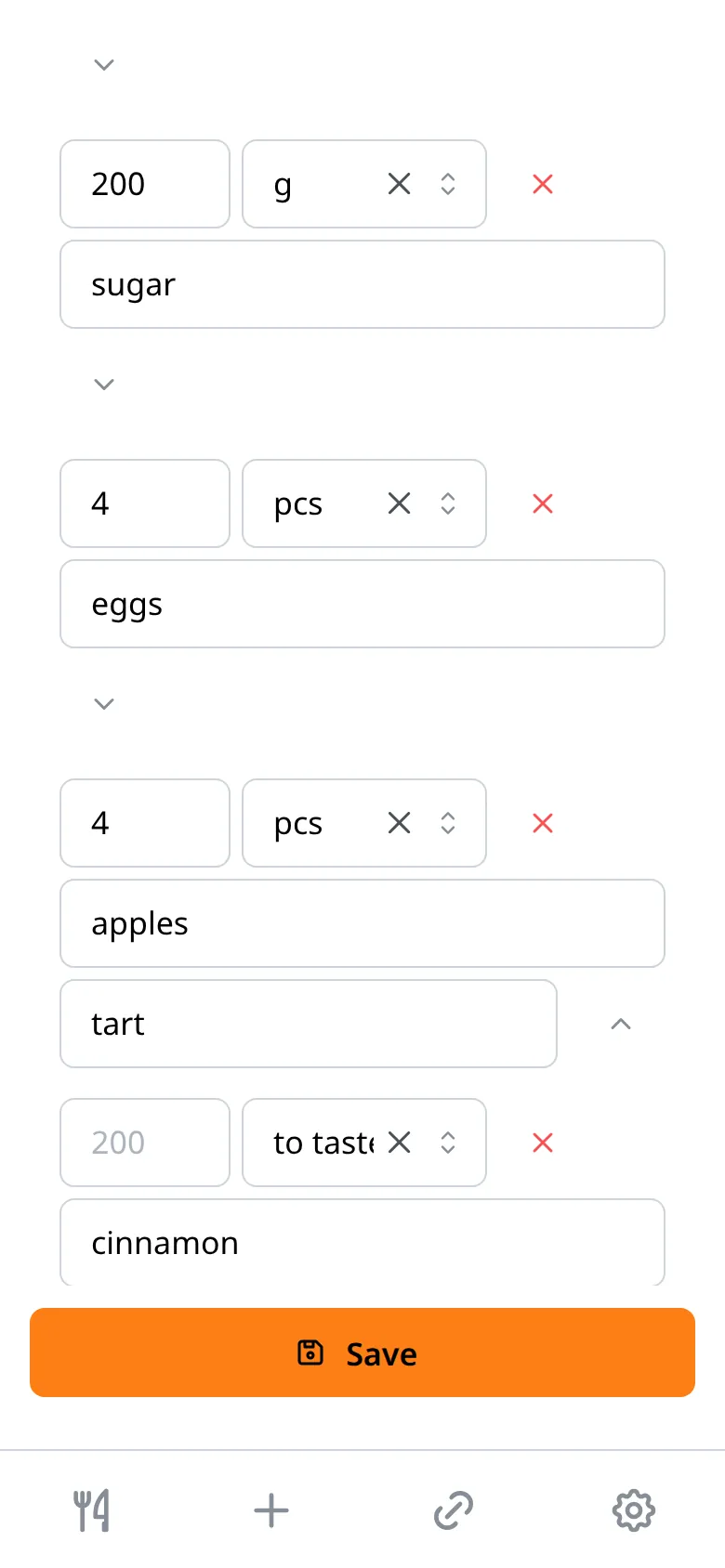
Ingredients are stored as numbers
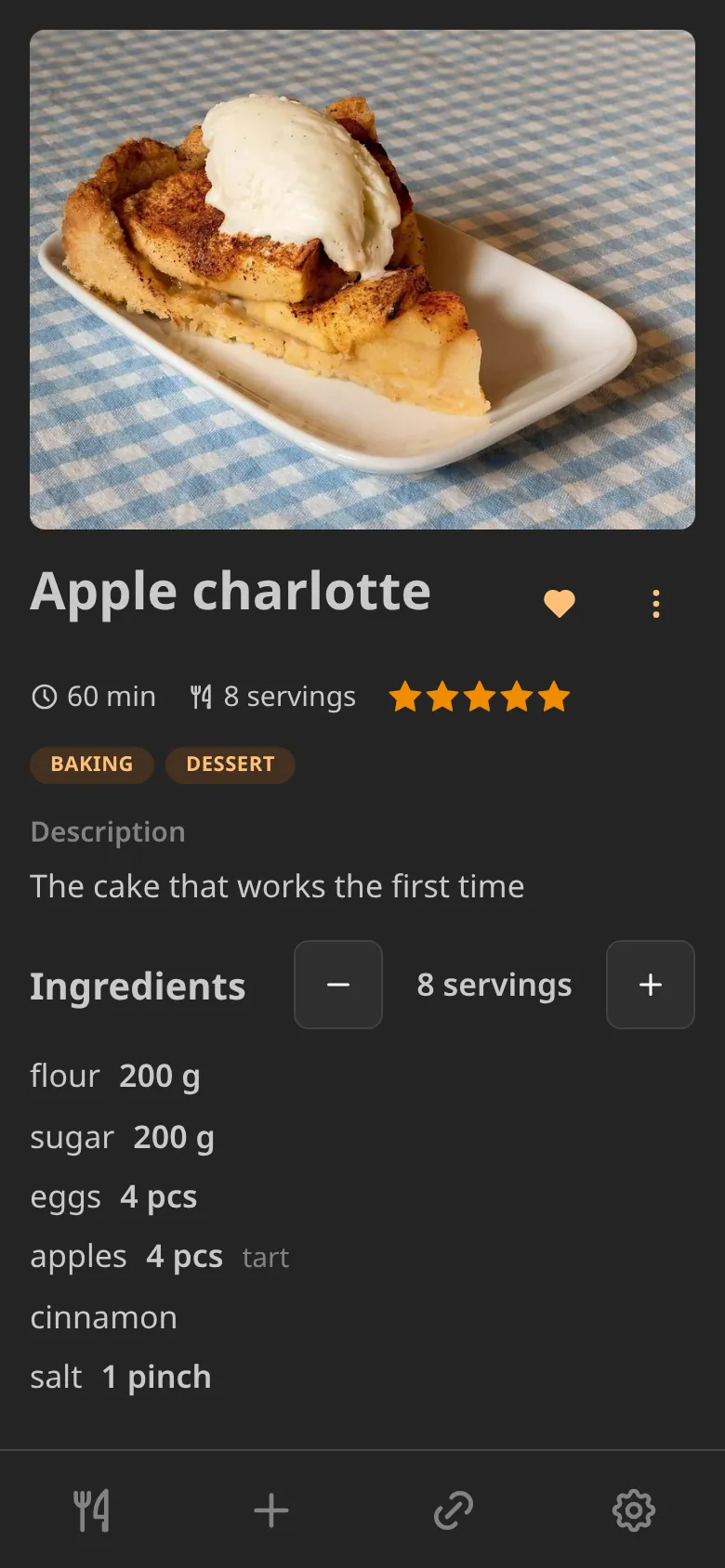
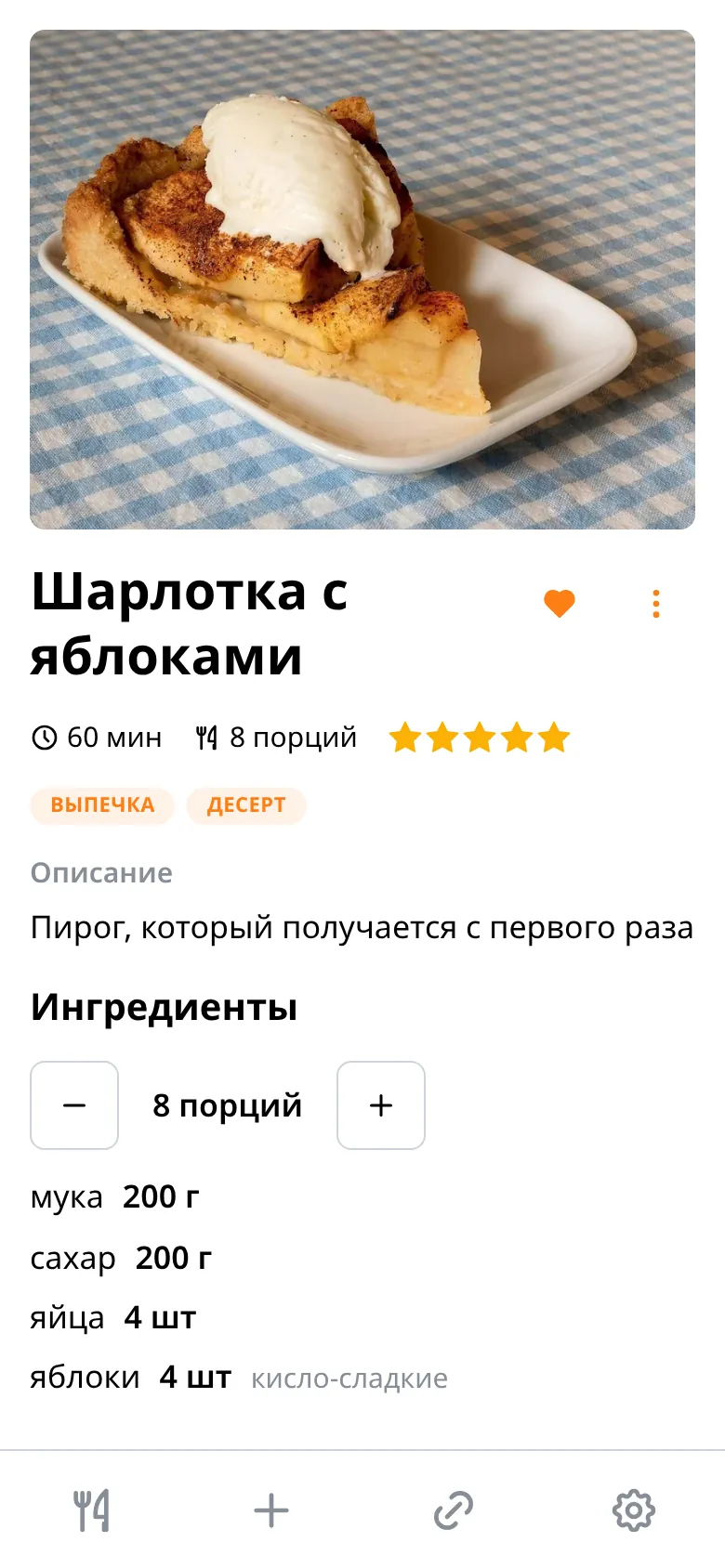
“200 g of flour” is stored as a number, a unit of measurement and a name, separately. That gives you servings scaling with one tap and search by ingredient.
- Servings. Change the number of servings and every ingredient amount in the list follows.
- Search. You can search by ingredient.
- Units. Grams, millilitres, pieces, spoons, cups, pinches.
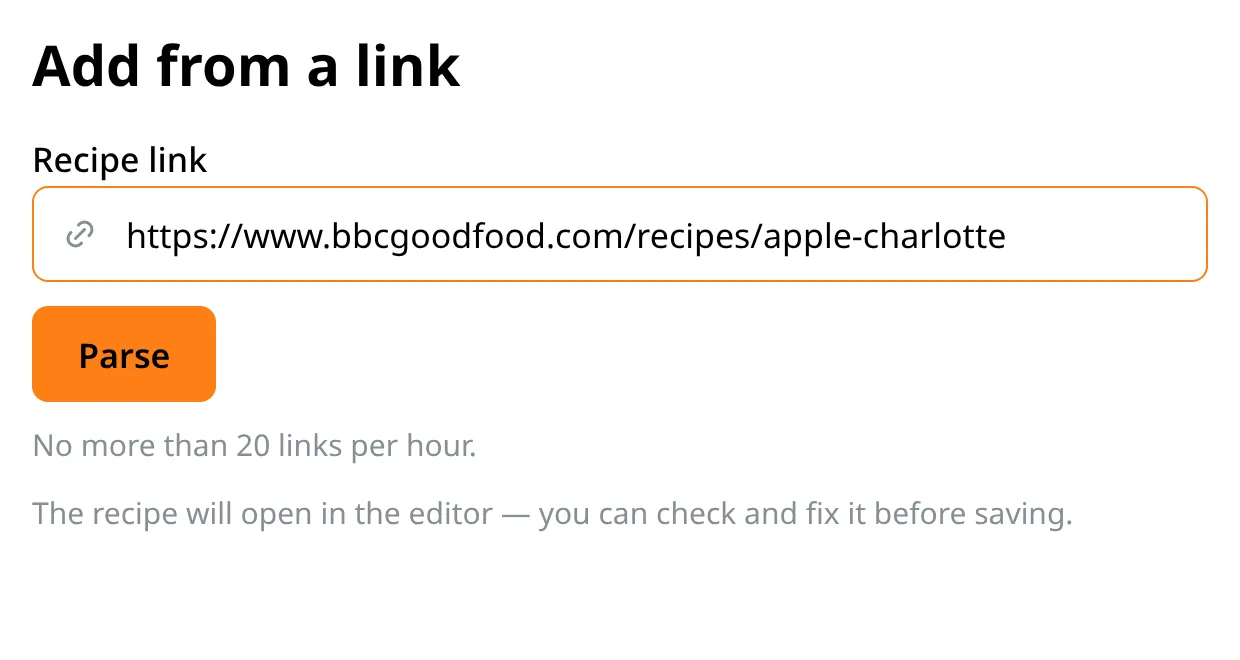
Paste a link and the recipe parses itself
The server fetches the page, collects the title, the ingredients, the cooking steps and the photo, and opens a draft in the editor. Parsing recipes from YouTube videos is supported too.
The book always stays yours
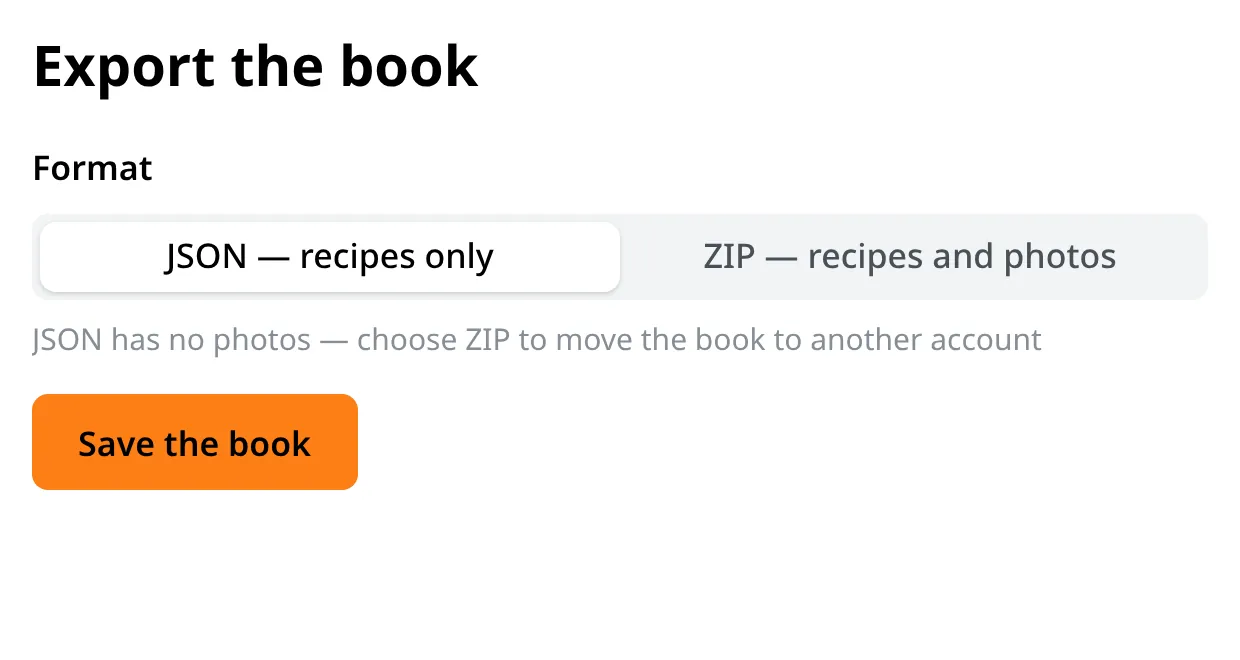
The whole book exports to a file with one tap, and the same file moves it to another device or to another person. Leaving with your recipes is possible at any moment.
Export and import
JSON for the recipes alone, ZIP for the recipes together with photos. Importing the same file restores the book.
No ads, no profiling
We sell nothing and show nothing. Photos are stripped of camera metadata, coordinates included.
Delete your account from the app
Settings → Delete account. No support tickets and no conversation about whether you are quite sure.
Built for a kitchen
An adjustable text size, large buttons, a light theme and a dark one.
The Android app
The same app, only installed on your phone or tablet: the same account, the same book, the same recipes. It is not on Google Play yet, so it installs as a file — Android will ask for permission to install an app from the browser. Recipes live on the device, so the book opens with no connection at all.
Android 7.0 and newer.
What to know up front
An email address is needed for syncing. Registration is confirmed by a code from a letter, and a forgotten password is changed by the same kind of code.
The browser and the phone run one app, not two different ones: the account, the book and the syncing are shared. Start wherever is convenient right now.